Local Search Checklist for Your Business Website
Help nearby customers understand what you do and how to contact you. Start with the details they can see.

Start with what a nearby customer needs to know. Can they find your service, see where you work and take the next step?
This checklist covers your website and the details people see on Google. It cannot promise a place at the top of search results.
Check your business details on Google.
Open your Google Business Profile and check the website link. Make sure it reaches the right page and works on a phone.
Check your business name, services and opening hours. Update holiday hours where they apply.
Google's guide to local search results says correct details help it match your business to a search. Results also depend on distance and how well-known the business is.
Adding a place name to every sentence cannot remove the distance between you and a customer.
Say where customers can find you.
For a shop or salon that customers visit, check the address and visiting hours. Make those details easy to find on the website too.
If you only visit customers, use the areas you serve. Google's rules for business locations say to hide your address on that profile.
Check your website, business listing and other profiles for old details. A customer should not have to guess which address or opening time is right.
Kaizen's website explains where we work.
We visit clients across Merseyside and West Yorkshire. Our website names those areas and says that we come to you.
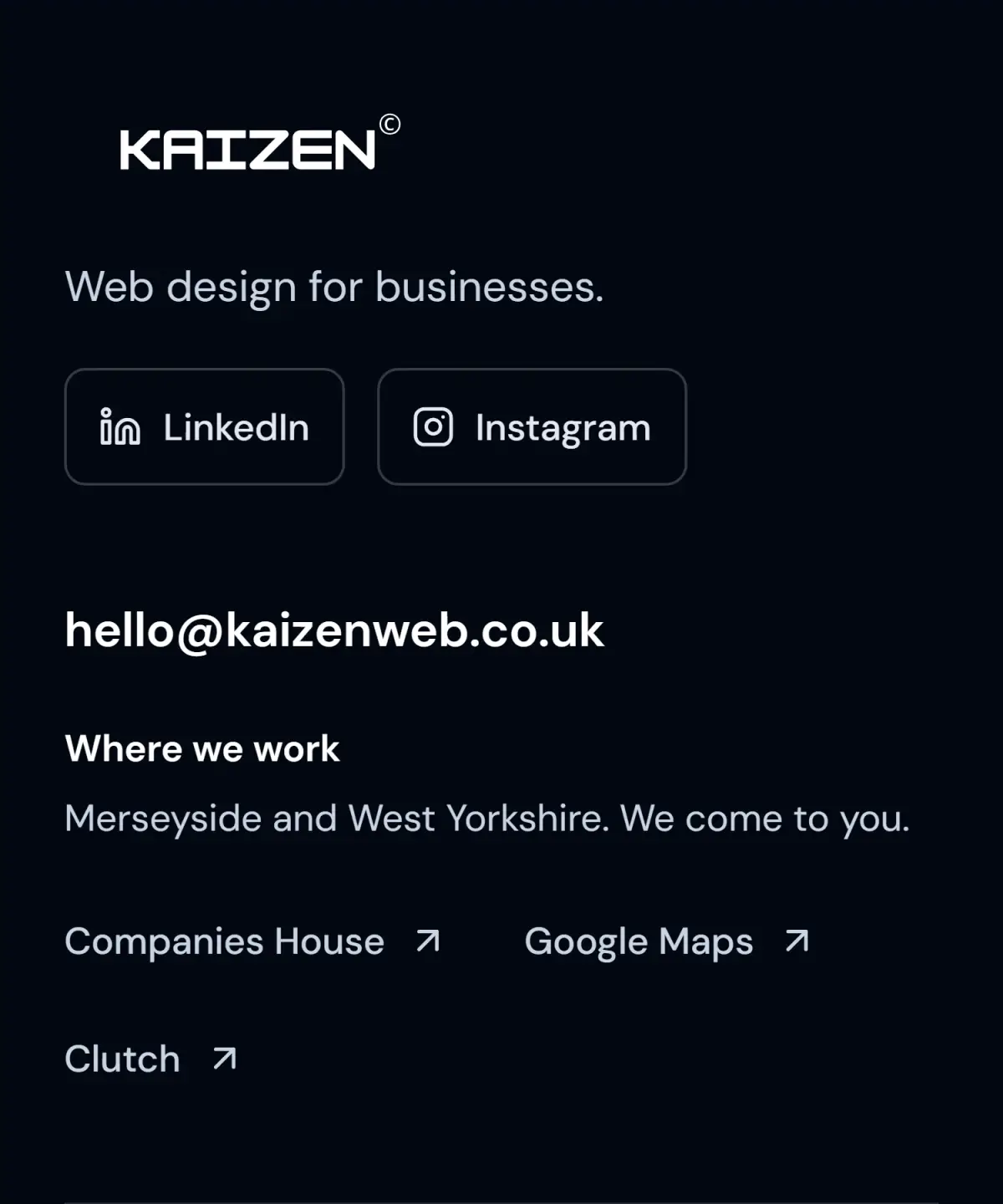
Kaizen's website footer, captured in October 2026.
This is a simple way to explain how customers meet us. Your site should make how you work just as clear.
See what Kaizen's website shows. The main page explains the service before asking someone to get in touch.
Explain each service in plain words.
Use the words your customers use when they ask for help. Say what the service includes and who it suits.
Add photos of the work where you have permission to use them. Explain what changed, without making claims you cannot prove.
Give a service its own page when it needs more detail. Do not make a new page for every town just to repeat the same text.
Try the whole journey on a phone.
Start on the page a customer would find. Read the service, choose the next step and try the form or booking link.
Check that buttons are easy to tap and text is easy to read. Send a test through your own form and check that it arrives.
Our free website speed check can help you spot slow pages. It tests one page, so also try the rest of the journey yourself.
If your site uses WordPress, see our options for improving a WordPress website.
Ask customers for honest reviews.
Invite customers to say how the work went. Do not offer money, gifts or discounts in return for a review.
Google's review guidance explains how to ask and why rewards are not allowed. Keep replies helpful and leave private customer details out.
Keep a count of visits and enquiries.
Google's Search Console report guide explains the clicks that bring people from search to your website. Those clicks are not enquiries.
Keep a list of the enquiries you receive. Note what you changed on the site. Use the same date ranges when you compare results.
Start by fixing missing details and broken steps. You do not need to replace the whole website to correct an opening time.
Talk to us about your site if the website itself needs work. The first chat is free. We agree the work and price before you pay a non-refundable deposit.